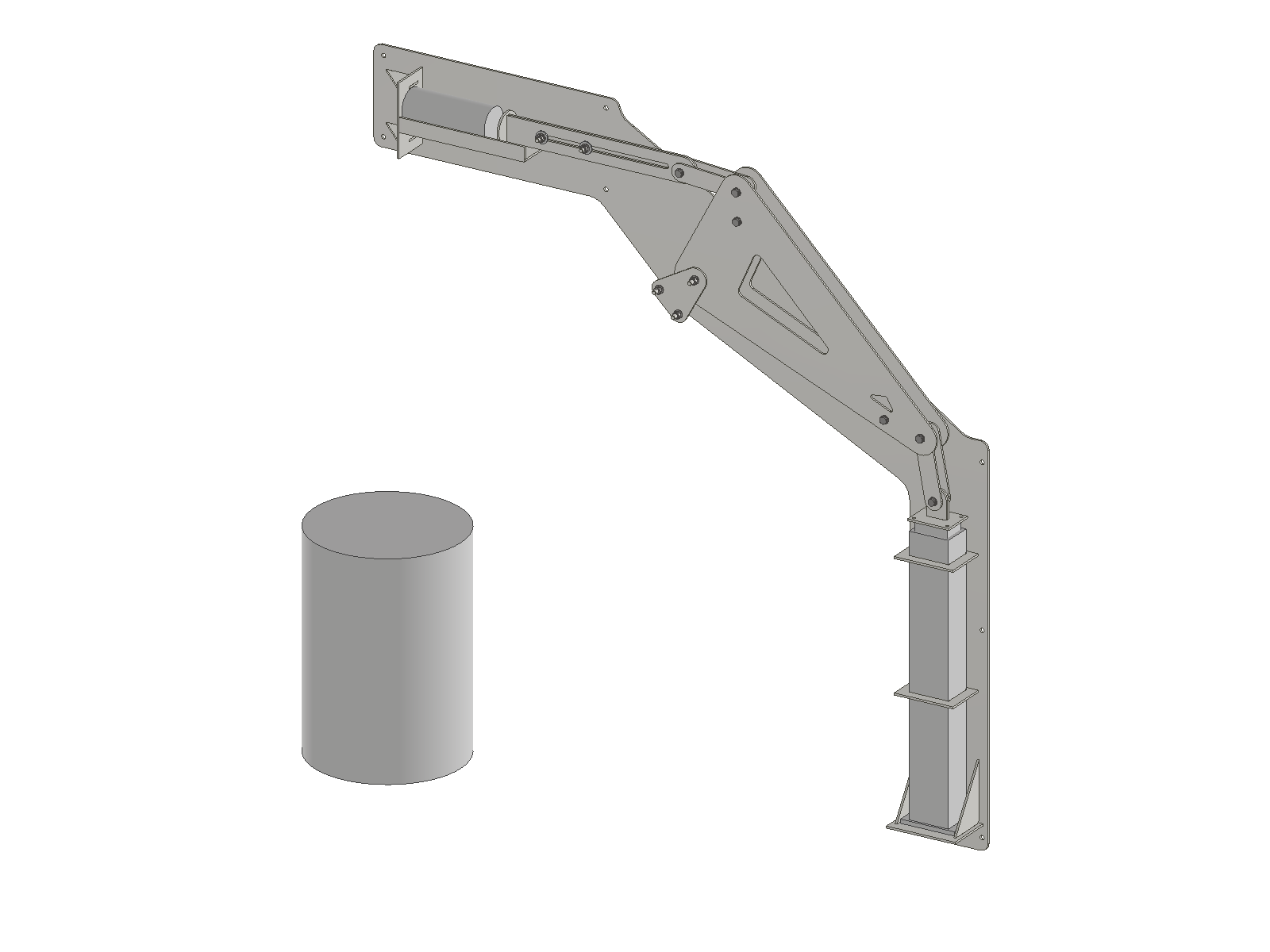
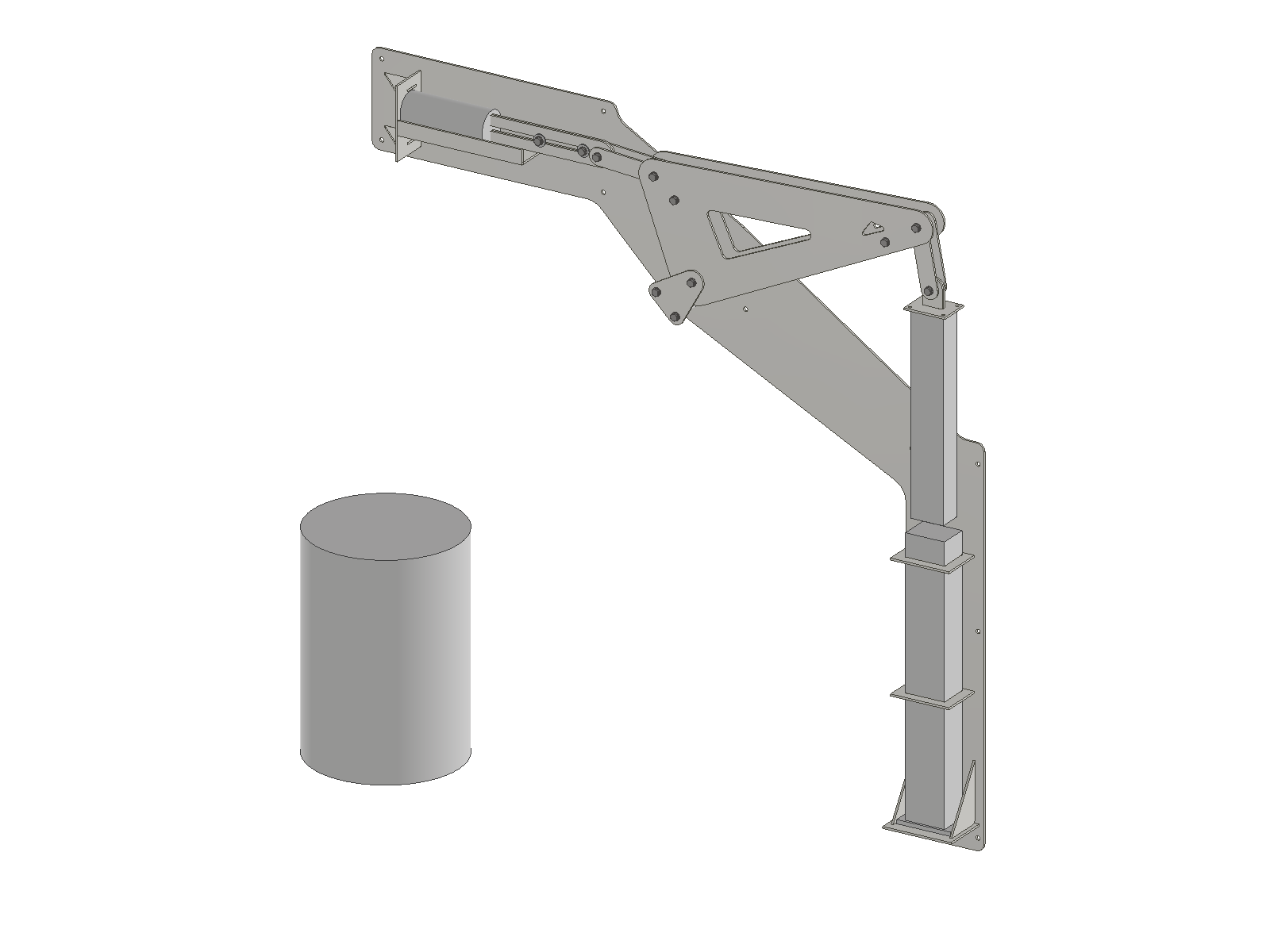
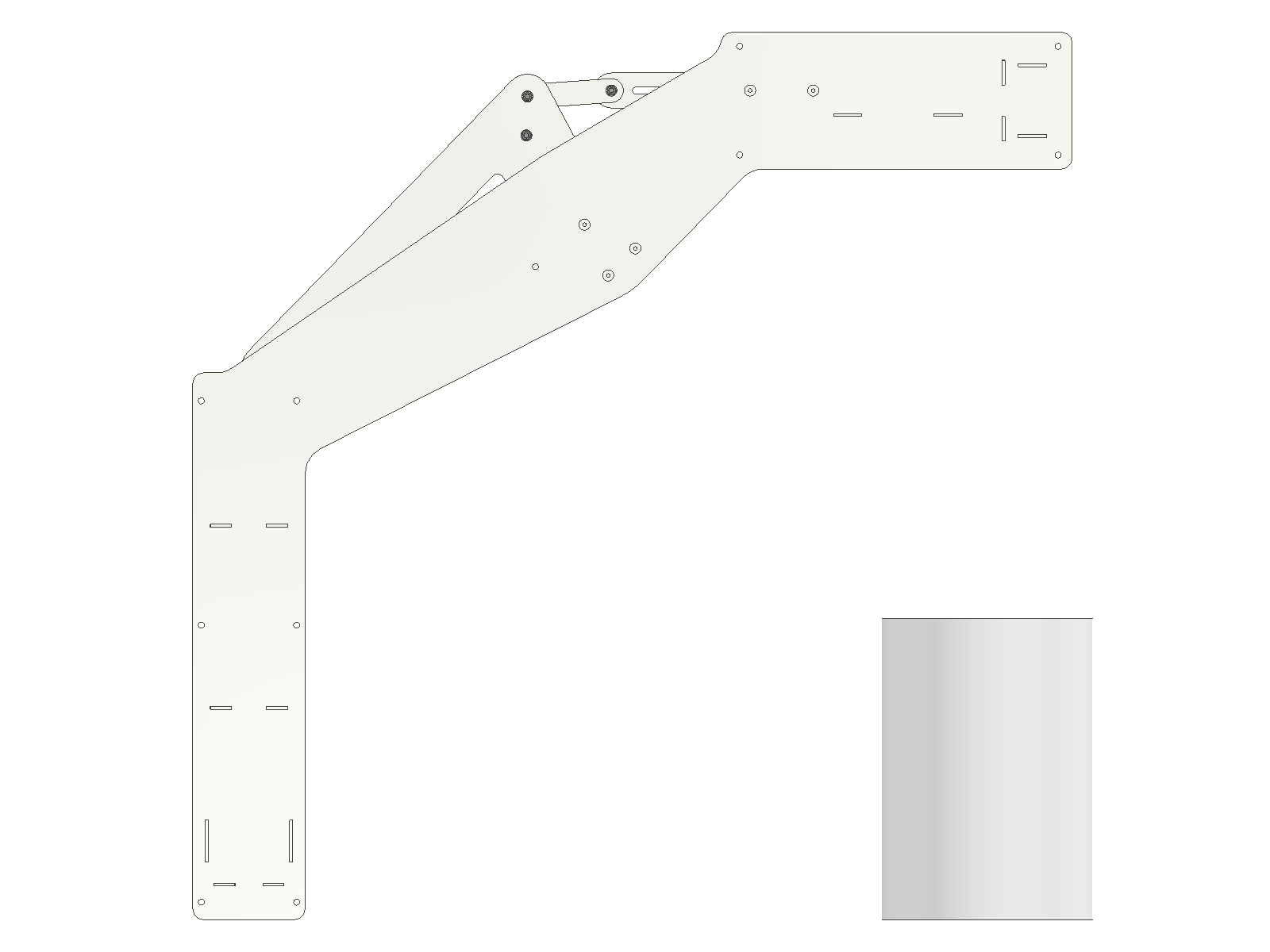
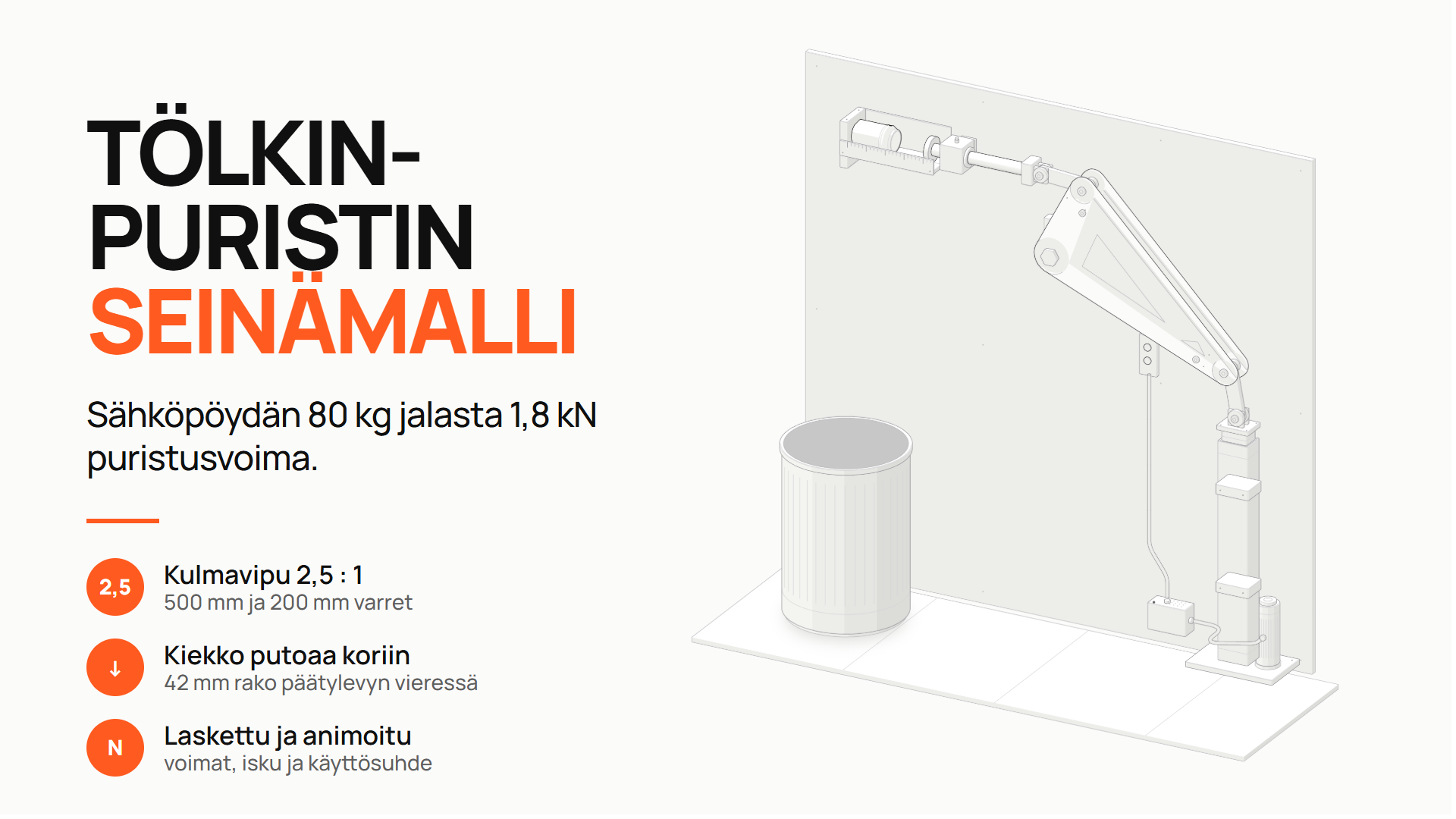
Can crusher, part 3: production model in Inventor.
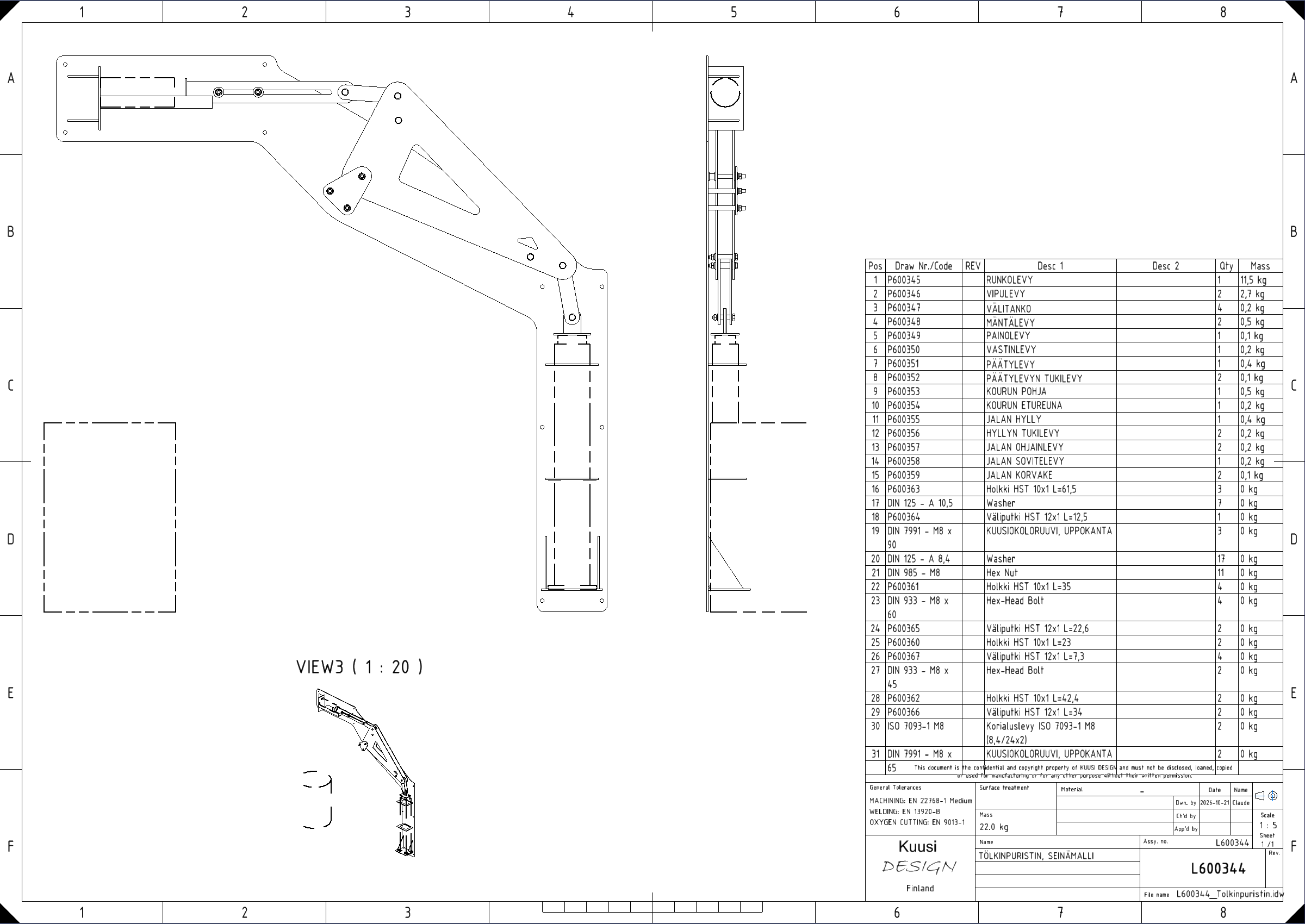
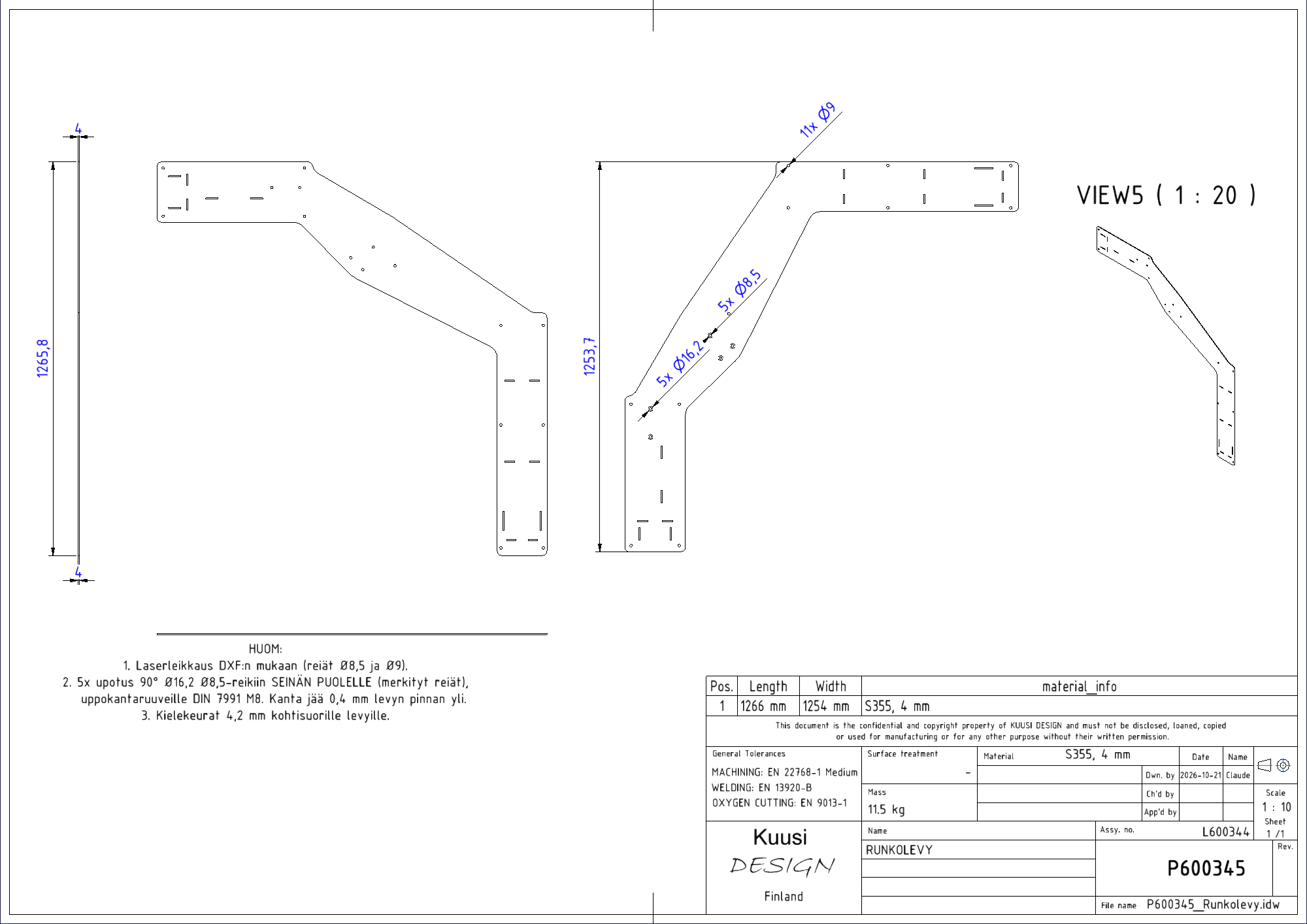
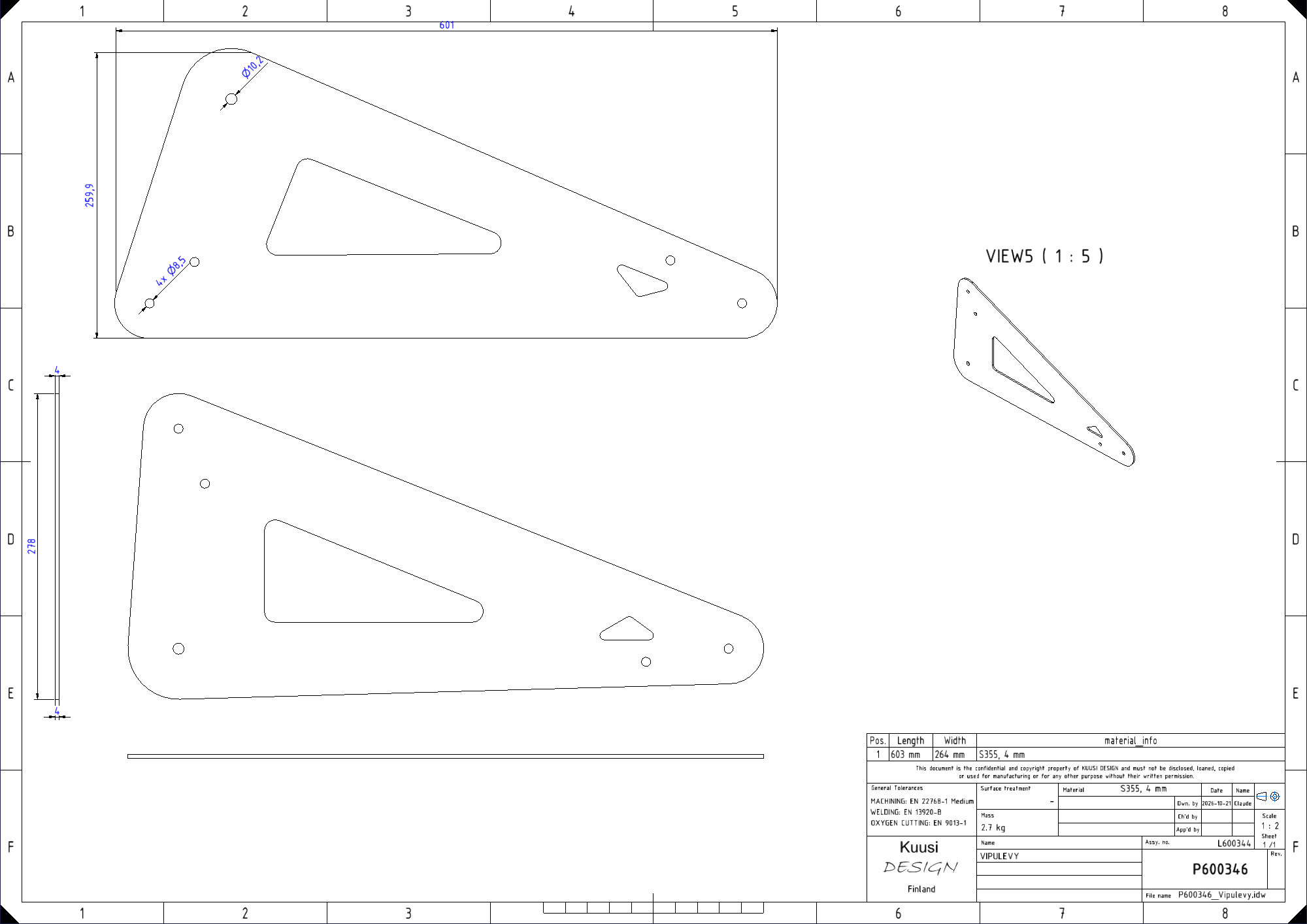
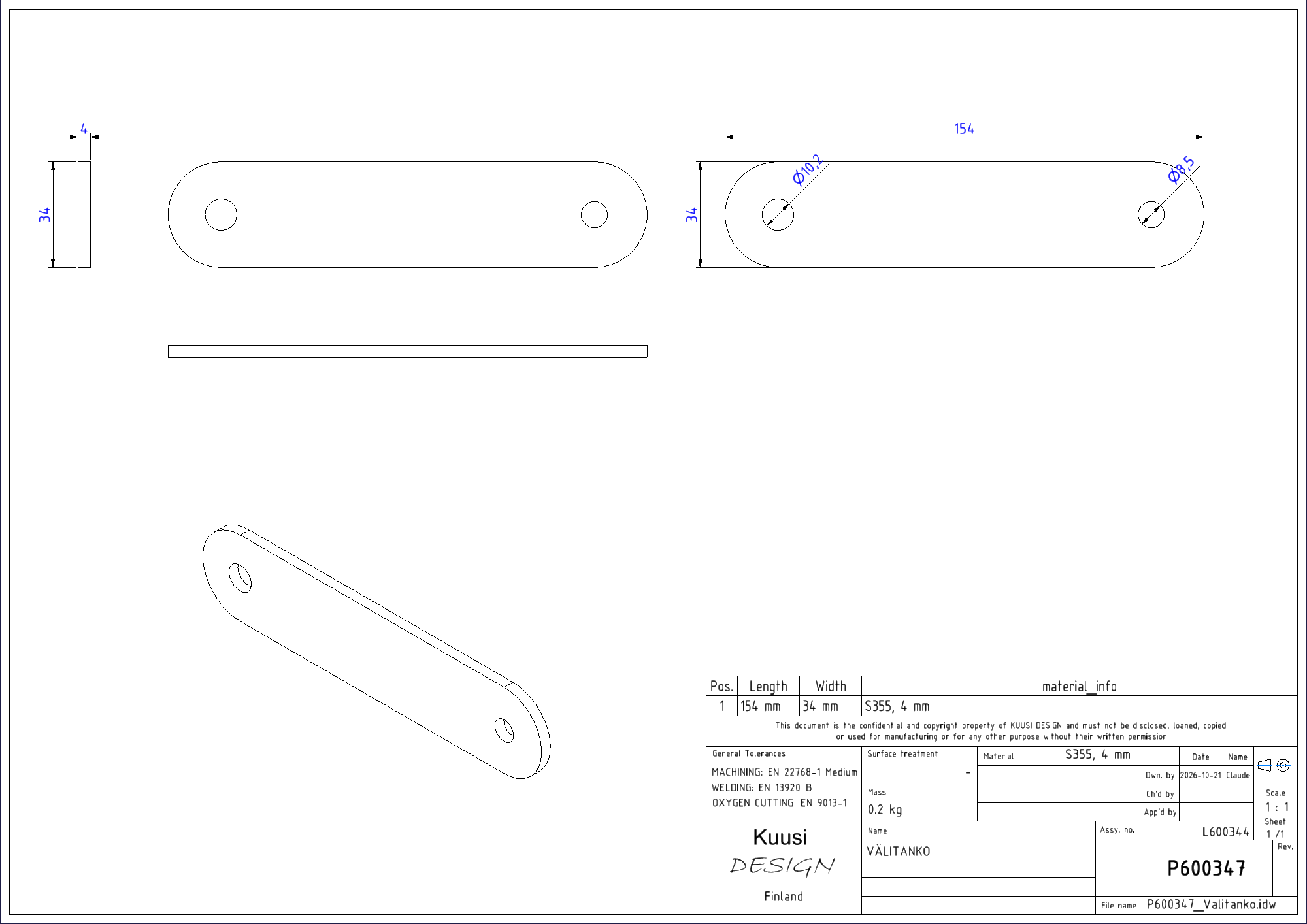
From the same specification: an Inventor assembly of 97 parts and 16 manufacturing drawings on Kuusi Design templates.
Watch Claude produce the drawings in rapid succession
A one-minute screen recording in Inventor. Claude creates the sheet part drawings in sequence on the Kuusi Design template, fills in the material data and takes the drawing numbers from the numbering spreadsheet. The video has no sound.
Goal
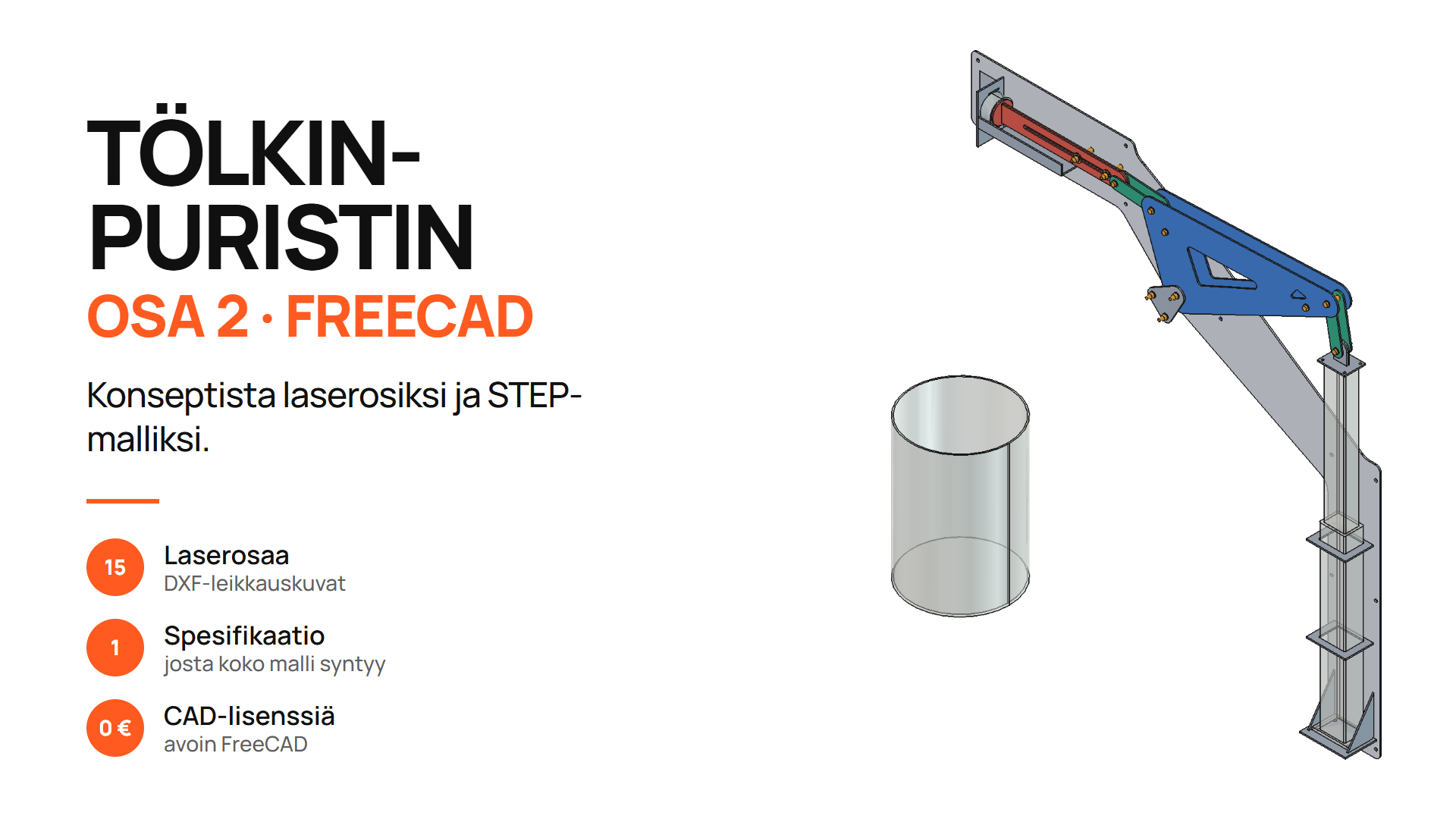
I use Autodesk Inventor in my work. The goal was to bring the part 2 model into Inventor without modelling anything by hand.
How the model was made
Claude wrote PowerShell scripts that use the Inventor API. The scripts build the parts, the assembly and the drawings from the part 2 model data.
Company templates
Claude used the Kuusi Design drawing and sheet metal templates. It took the drawing numbers from my numbering spreadsheet. It took standard parts such as bolts, washers and nuts from the Content Center.
Result
The result is 15 sheet parts, a 97-part assembly and 16 manufacturing drawings. Interference was checked at rest and in the crushed position. The assembly weighs 22 kg.
My review
In the drawings I noticed that the nuts would end up on the wall side. I asked for countersunk screws instead. Claude made the change through the whole chain: the FreeCAD model, cutting files, assembly and drawings.
My role
I made the structural decisions, reviewed the model and drawings and made the change requests. The AI did the modelling, assembly and drawings. The drawings are about 90% complete. The device has not been built yet.
Where the same technique can be used
When a design lives in one specification, the same data can be produced for both FreeCAD and Inventor. A dimension change is made once. The method works with a company’s own templates, numbering and standard parts.
Tools
- Claude Code (Claude Opus 5.5)
- Autodesk Inventor 2027
- PowerShell
- Inventor API
- Kuusi Design templates and Content Center parts
- FreeCAD model (part 2)
More project images.